Skip to content
HousingDuniya.comConstruct • Design • Manage

Your home construction journey

From Drawing to Dream Home

Ten clear stages, the approvals you give along the way, and a digital layer that keeps the whole project visible from the first consultation to handover and beyond.

3D render, illustrative: a consultation table with a plot sketch, tea set and chairs3D render, illustrative: floor plan and elevation drawing sheets with a ruler and pencil3D render, illustrative progress: an open foundation excavation with footings and reinforcement bars3D render, illustrative: a brass key on a timber ledge with a finished home softly out of focus behind
Design concept · not a built project

The journey

Ten stages, one connected story

Scroll through: the DaaSu bar stays with you because, in the proposed experience, tracking starts at consultation, not at construction.

See the journey for your package (indicative)

Stage applicability is indicative. The signed agreement and BOQ define the real scope.

Tap a stage to open its main deliverables.

  1. Plan · Decide what to build

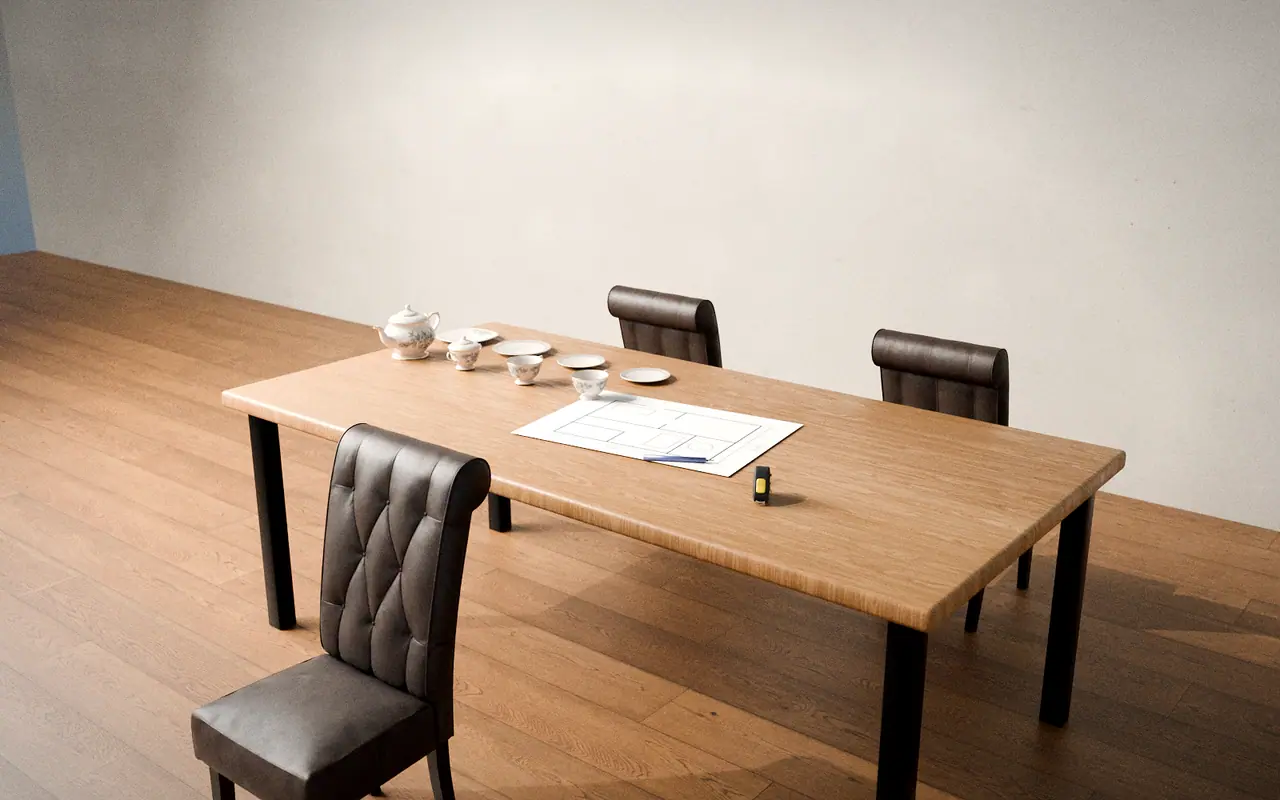
    3D render, illustrative: a consultation table with a plot sketch, tea set and chairsStep 01 of 10

    Consultation & Requirements

    We listen first: your plot, your family, your budget and the way you want to live.

    Approval moments

    • Customer confirms the requirement brief

    DaaSu layer · concept

    • Progress
    • Documents
    • Photos
    • Money
    • Chat
    What you could see at this stage
    Progress
    Project created; first brief recorded
    Documents
    Requirement brief · Plot details
    Photographs
    Plot photos you share
    Financial visibility
    Budget range noted
    Communication
    First conversation thread opens
    Approvals
    Customer confirms the requirement brief

    Concept only; not a live feature.
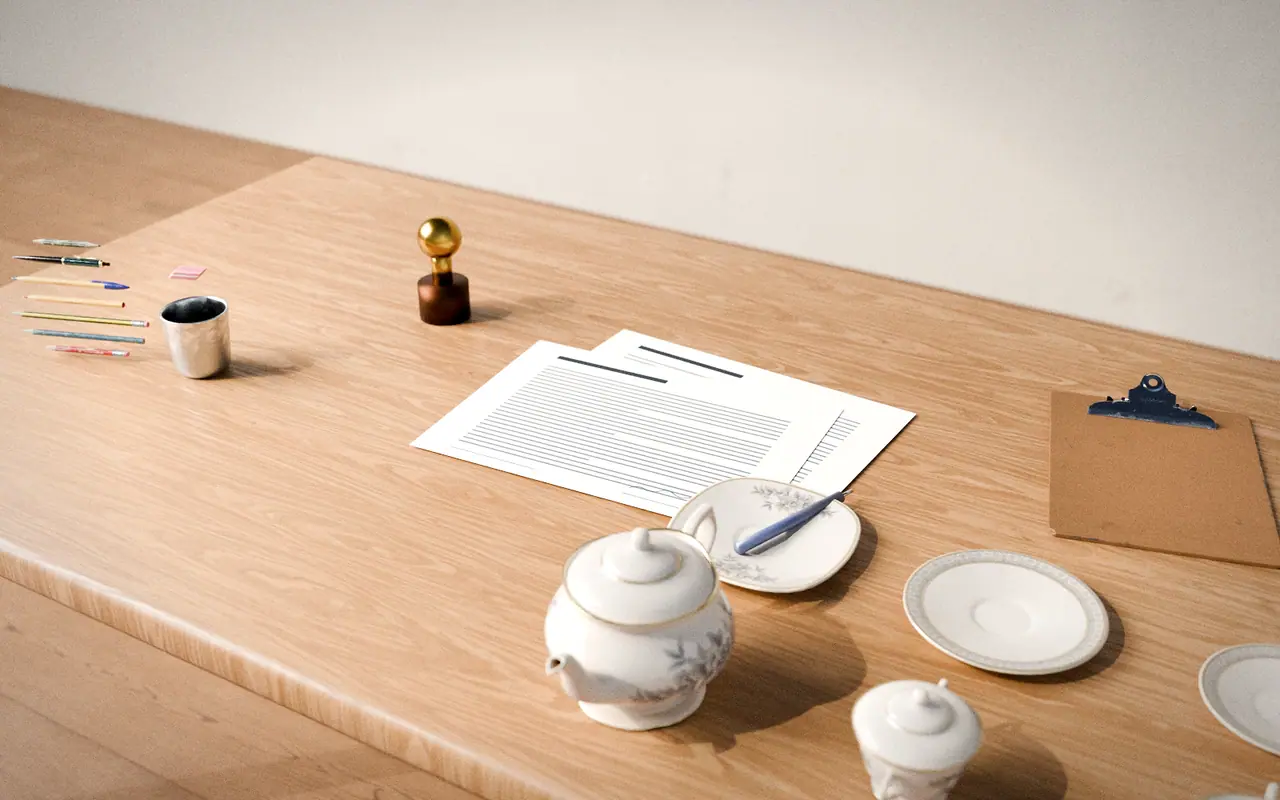
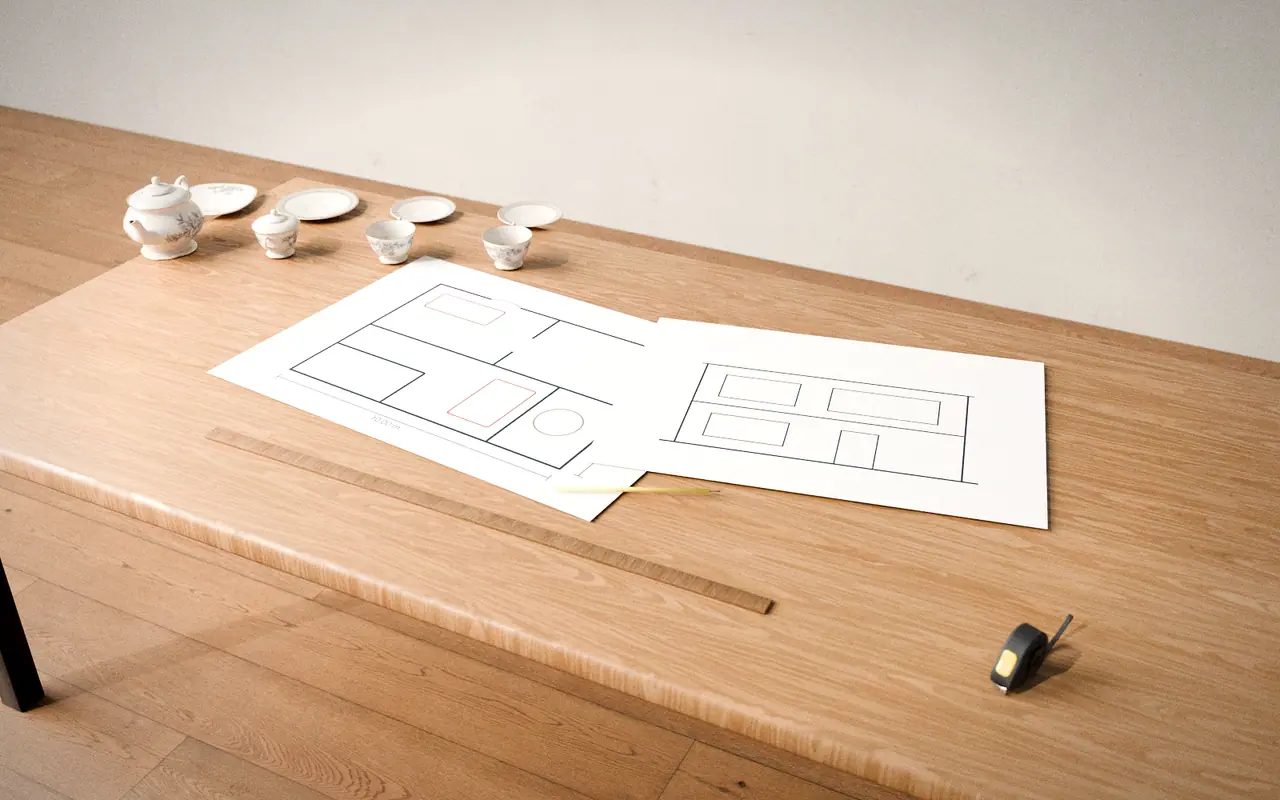
  2. 3D render, illustrative: floor plan and elevation drawing sheets with a ruler and pencilStep 02 of 10

    Drawing Selection & Design

    Floor plans, elevations and 2D/3D concepts are explored, revised and chosen together.

    Approval moments

    • Floor plan approval
    • Elevation selection
    • Final drawing sign-off

    Concept drawings are not structural drawings. Structural design is a separate step; requirements depend on local rules and your project.

    DaaSu layer · concept

    • Progress
    • Documents
    • Photos
    • Money
    • Chat
    What you could see at this stage
    Progress
    Design revisions tracked
    Documents
    Plan options · Elevation options · Approved drawing set
    Photographs
    Concept views
    Financial visibility
    Design stage cost visible
    Communication
    Comments pinned to each drawing
    Approvals
    Floor plan approval · Elevation selection · Final drawing sign-off

    Concept only; not a live feature.
  3. Commit · Agree scope and funding

    3D render, illustrative: an agreement document with a pen and a seal on a tableStep 03 of 10

    Agreement & Scope Finalisation

    The package, final scope and BOQ are reviewed line by line, then documented in an agreement.

    Approval moments

    • Package and scope approval
    • BOQ review and acceptance
    • Signed agreement

    DaaSu layer · concept

    • Progress
    • Documents
    • Photos
    • Money
    • Chat
    What you could see at this stage
    Progress
    Scope baseline locked
    Documents
    Agreement · BOQ · Scope and exclusions
    Photographs
    —
    Financial visibility
    Approved BOQ becomes the cost baseline
    Communication
    Questions answered against the BOQ
    Approvals
    Package and scope approval · BOQ review and acceptance · Signed agreement

    Concept only; not a live feature.
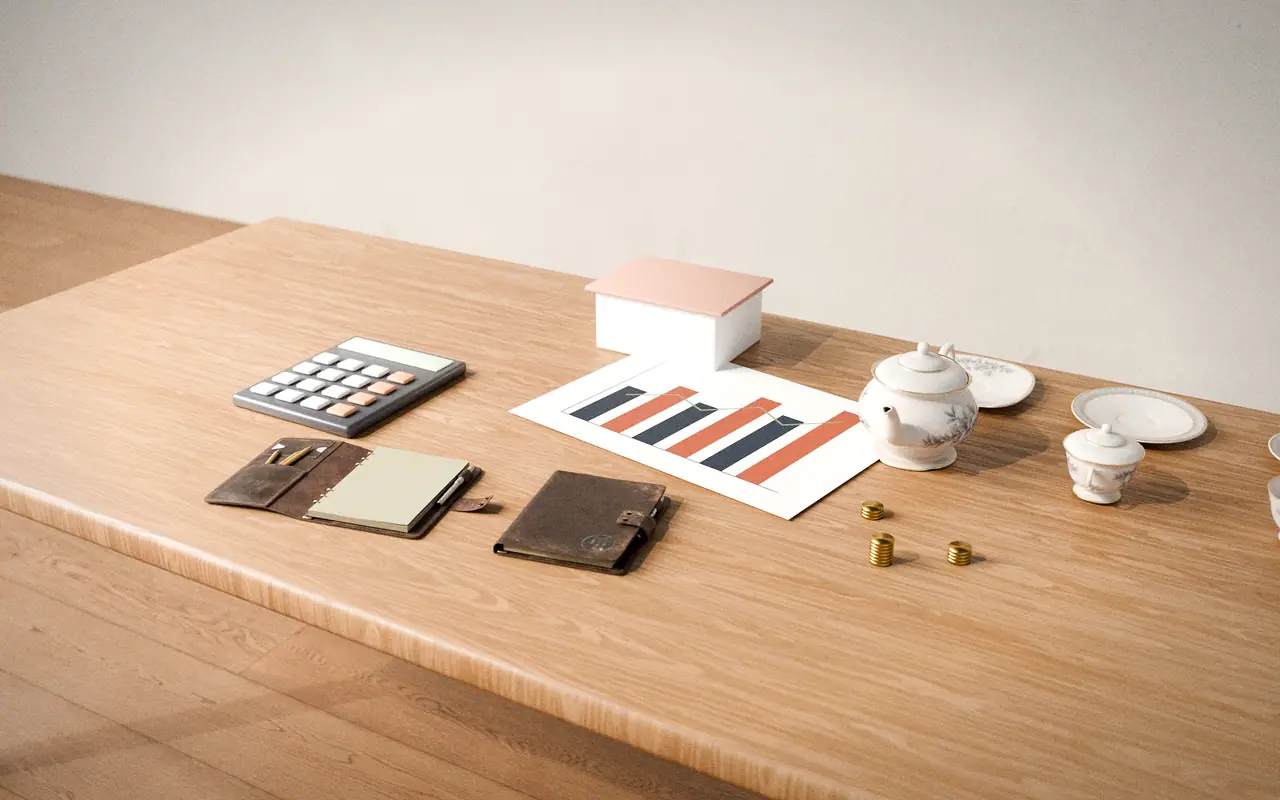
  4. 3D render, illustrative: a calculator, a payment chart, coins and a small house model on a tableStep 04 of 10

    Financial Planning & Approval

    Budget, funding and payment milestones are planned and approved before work begins.

    Approval moments

    • Budget approval
    • Payment milestone schedule

    DaaSu layer · concept

    • Progress
    • Documents
    • Photos
    • Money
    • Chat
    What you could see at this stage
    Progress
    Payment milestones mapped to stages
    Documents
    Payment schedule · Funding notes
    Photographs
    —
    Financial visibility
    Milestone plan: paid, pending, upcoming
    Communication
    Finance questions in one place
    Approvals
    Budget approval · Payment milestone schedule

    Concept only; not a live feature.

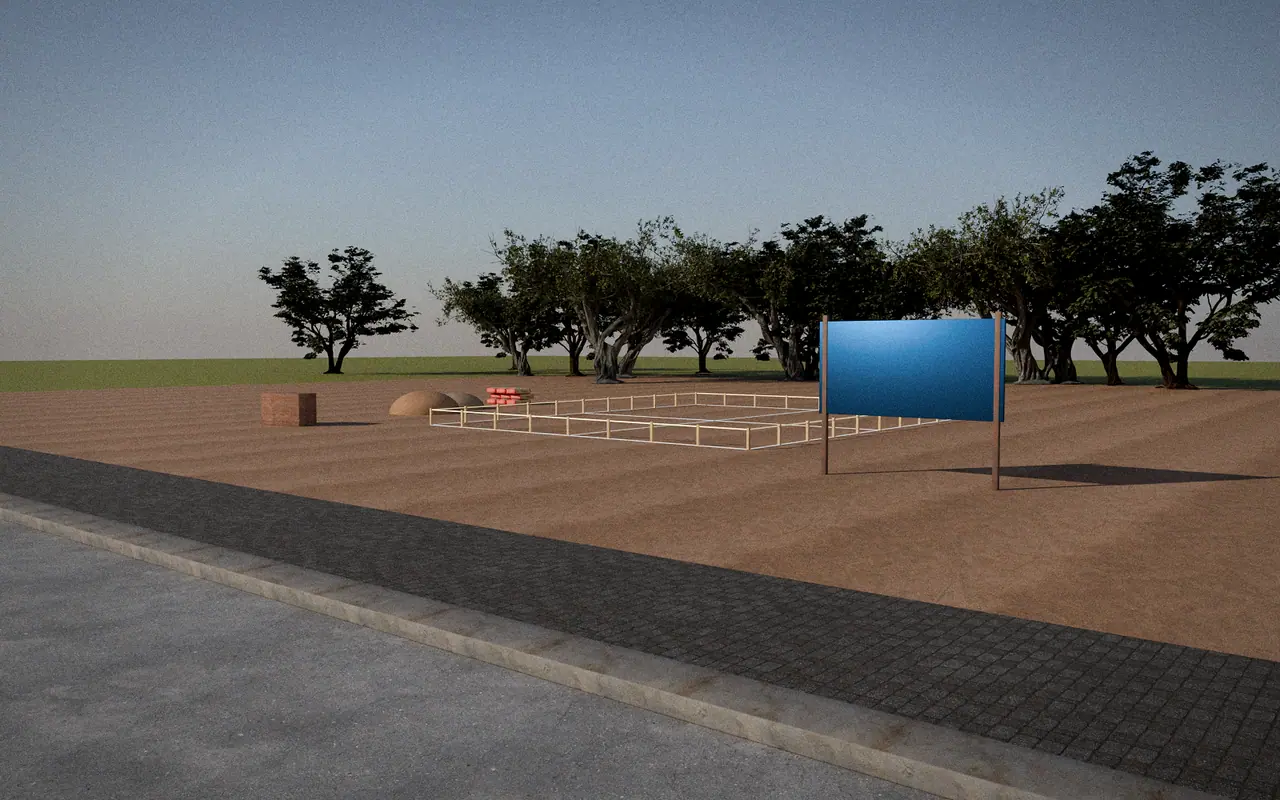
  5. 3D render, illustrative progress: plot marked with pegs and strings, a site board and stacked materialsStep 05 of 10

    Pre-Construction

    The site, drawings, schedule and materials are made ready so work can start cleanly.

    Approval moments

    • Permits and approvals confirmed by the owner
    • Start-of-work confirmation

    Statutory approvals and permits are the owner’s responsibility unless the agreement says otherwise.

    DaaSu layer · concept

    • Progress
    • Documents
    • Photos
    • Money
    • Chat
    What you could see at this stage
    Progress
    Planned schedule published
    Documents
    Issued drawings · Schedule
    Photographs
    Baseline site photos
    Financial visibility
    Early purchases recorded
    Communication
    Start date confirmations
    Approvals
    Permits and approvals confirmed by the owner · Start-of-work confirmation

    Concept only; not a live feature.

  6. Build · Raise the structure

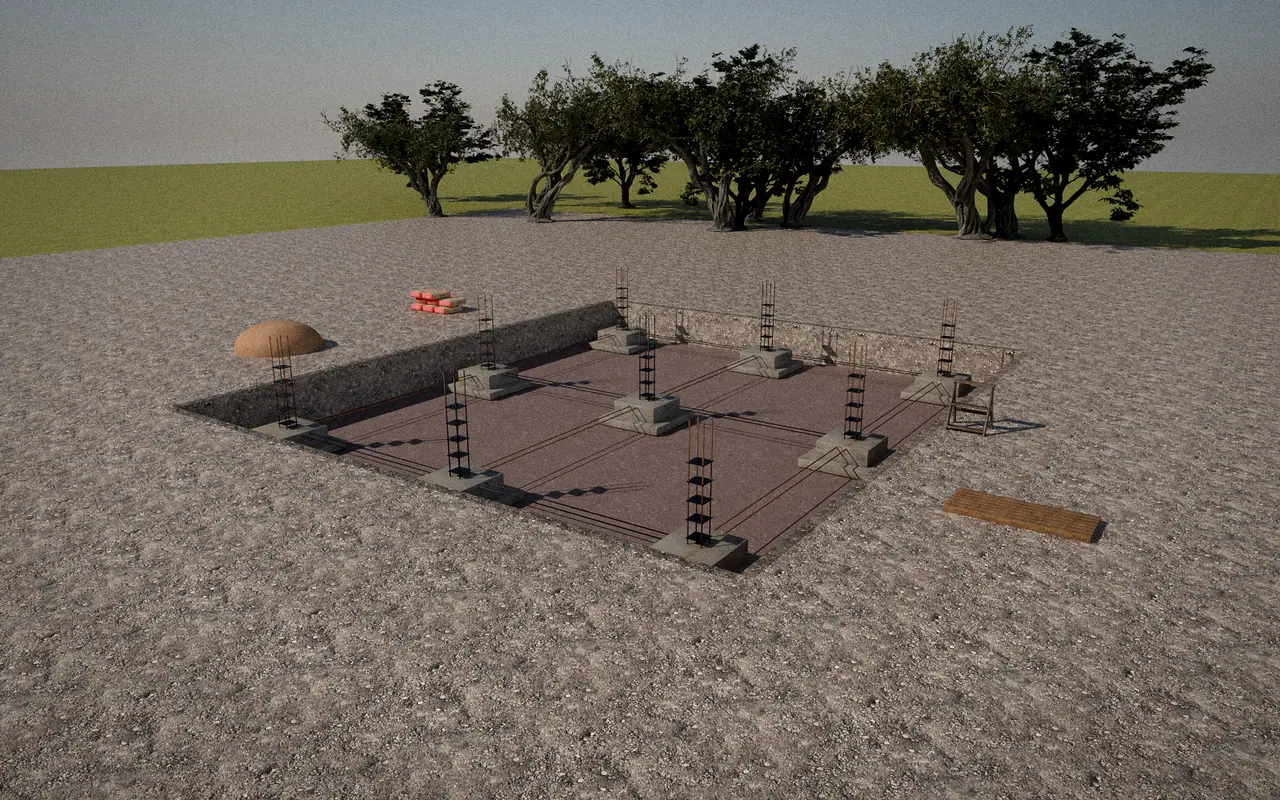
    3D render, illustrative progress: an open foundation excavation with footings and reinforcement barsStep 06 of 10

    Foundation

    Excavation, footings, foundation and plinth, with quality inspections at key points.

    Approval moments

    • Foundation inspection sign-off

    DaaSu layer · concept

    • Progress
    • Documents
    • Photos
    • Money
    • Chat
    What you could see at this stage
    Progress
    Stage percentage and dated updates
    Documents
    Inspection checklist
    Photographs
    Dated foundation photos
    Financial visibility
    Stage value against the agreed baseline
    Communication
    Site queries with photos attached
    Approvals
    Foundation inspection sign-off

    Concept only; not a live feature.

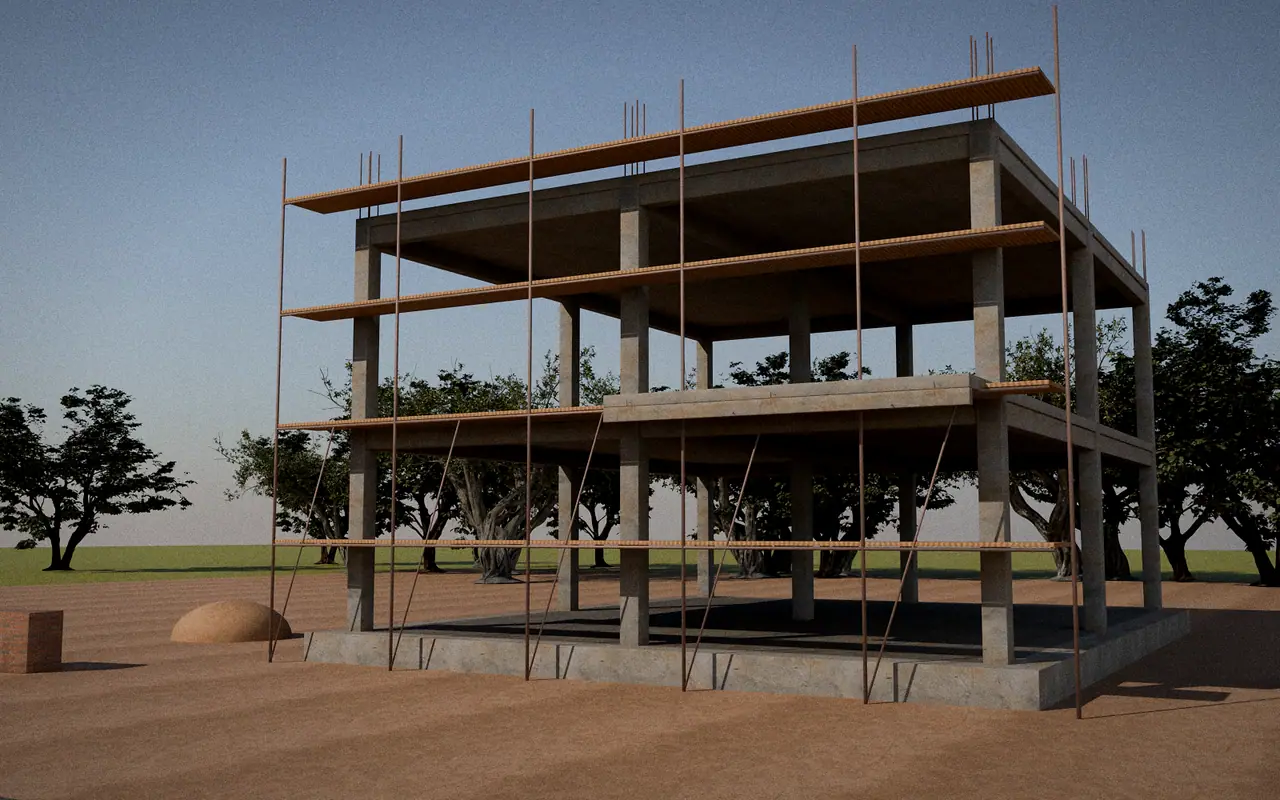
  7. 3D render, illustrative progress: a two-storey concrete frame with scaffolding and reinforcement at the topStep 07 of 10

    Structural Construction

    Columns, beams, slabs and masonry take shape floor by floor.

    Approval moments

    • Slab and structure inspection sign-offs

    DaaSu layer · concept

    • Progress
    • Documents
    • Photos
    • Money
    • Chat
    What you could see at this stage
    Progress
    Floor-by-floor progress
    Documents
    Stage checklists · Quality reports
    Photographs
    Dated structure photos
    Financial visibility
    Material and stage costs vs plan
    Communication
    Variation requests raised here
    Approvals
    Slab and structure inspection sign-offs

    Concept only; not a live feature.

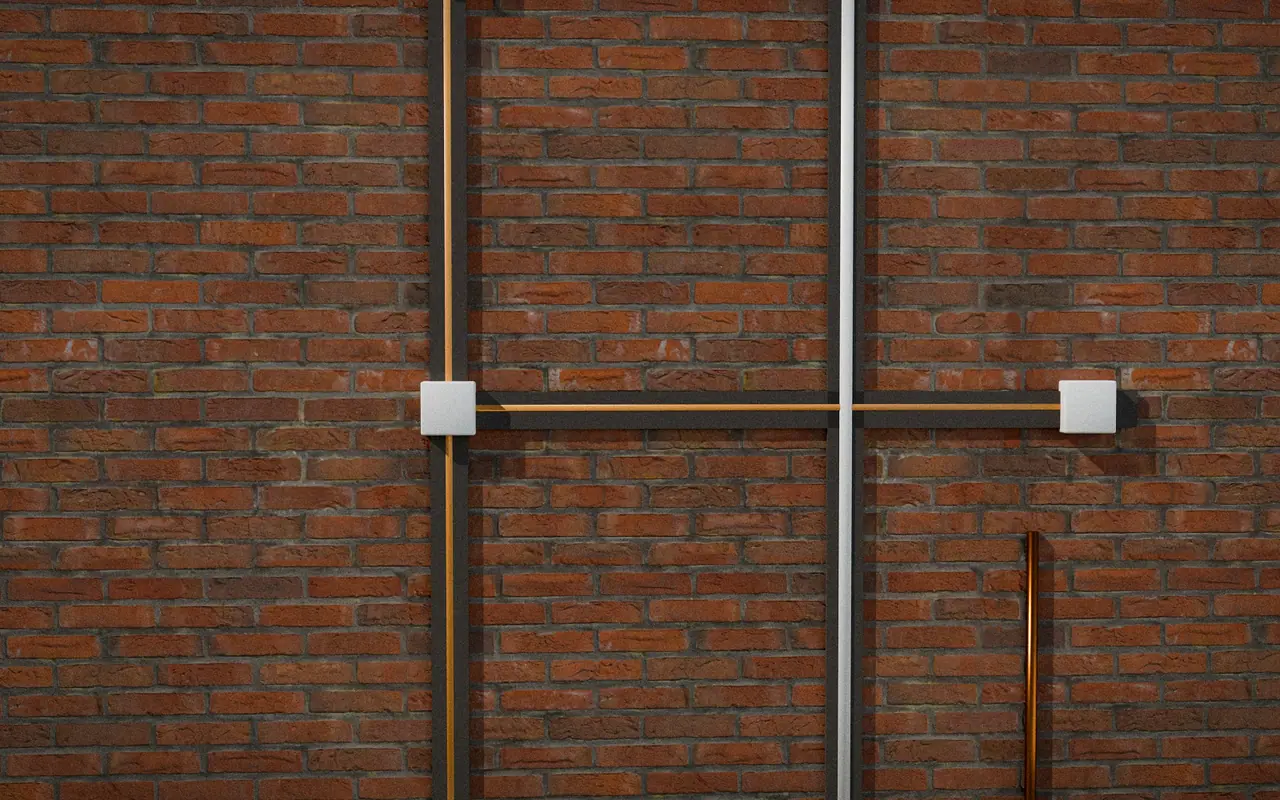
  8. 3D render, illustrative progress: a brick wall with conduits, junction boxes and pipes fixed in chased groovesStep 08 of 10

    Services Installation

    Electrical, plumbing, waterproofing and other applicable services are laid in and tested.

    Approval moments

    • Services test sign-off before closing walls

    Structure Only includes only the concealed conduit and waterproofing items itemised in the BOQ.

    DaaSu layer · concept

    • Progress
    • Documents
    • Photos
    • Money
    • Chat
    What you could see at this stage
    Progress
    Services progress by area
    Documents
    Test records
    Photographs
    Photos before walls are closed
    Financial visibility
    Services costs recorded
    Communication
    Layout clarifications
    Approvals
    Services test sign-off before closing walls

    Concept only; not a live feature.

  9. Finish · Complete and hand over

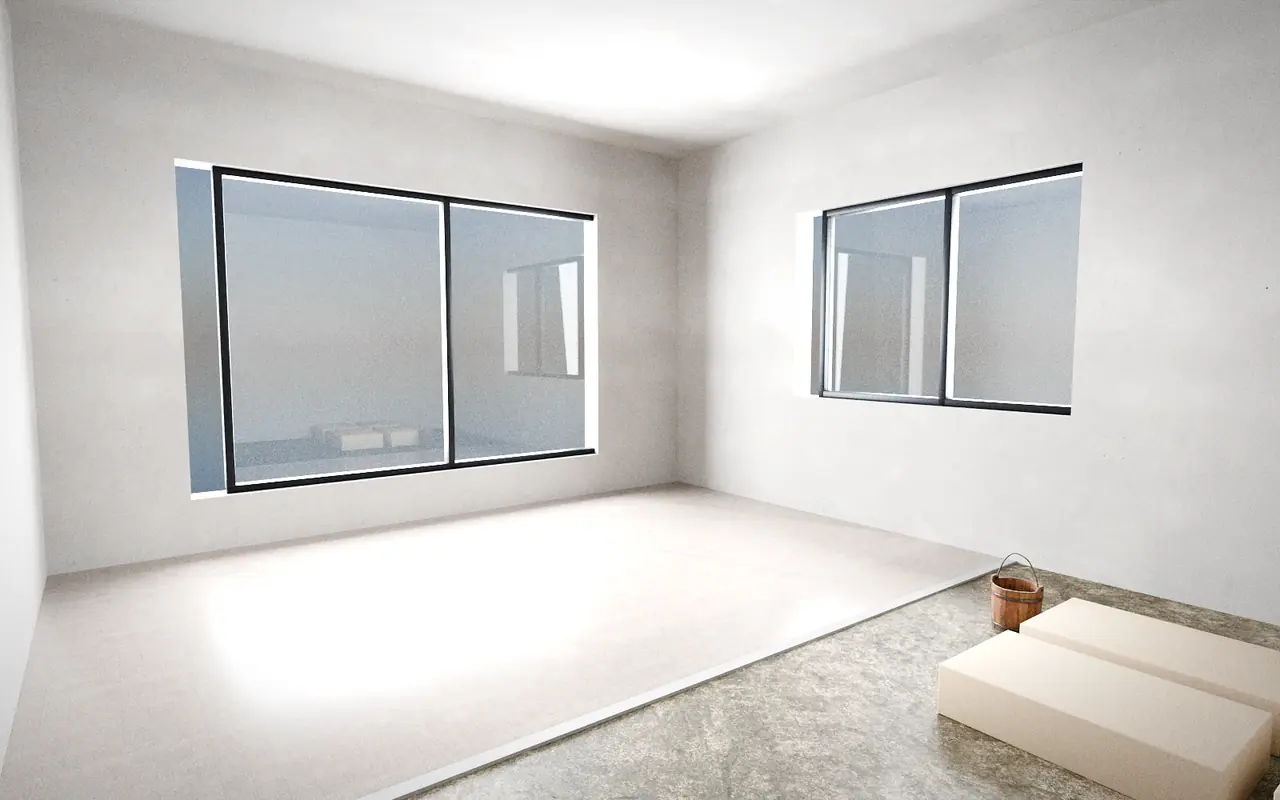
    3D render, illustrative progress: a room with tiles laid on one half of the floor and boxes of tiles waitingStep 09 of 10

    Finishing & Interiors

    Plaster, flooring, tiles, doors, windows and paint, plus POP, modular work and furnishing where your package includes them.

    Approval moments

    • Material and finish selections
    • Variation approvals
    • Stage-wise finish approvals

    Essential Finished excludes POP/false ceiling and modular kitchen. Furnishing applies only to the rooms you select.

    DaaSu layer · concept

    • Progress
    • Documents
    • Photos
    • Money
    • Chat
    What you could see at this stage
    Progress
    Finish progress by room
    Documents
    Selections · Variation approvals
    Photographs
    Dated finish photos
    Financial visibility
    Allowances and variations tracked
    Communication
    Selections discussed with photos
    Approvals
    Material and finish selections · Variation approvals · Stage-wise finish approvals

    Concept only; not a live feature.

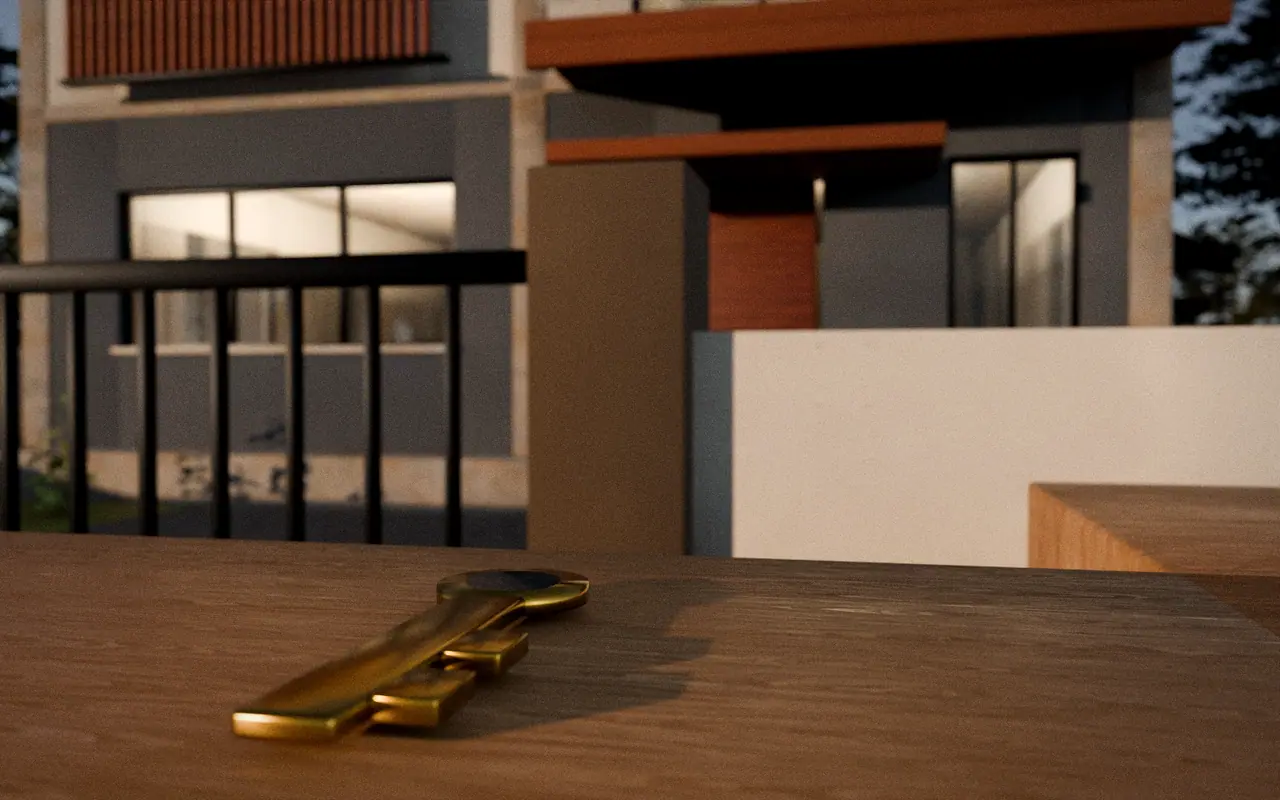
  10. 3D render, illustrative: a brass key on a timber ledge with a finished home softly out of focus behindStep 10 of 10

    Inspection & Handover

    Quality checks, snag resolution, a final walkthrough and the documents you need.

    Approval moments

    • Snag-closure confirmation
    • Handover acceptance

    Structure Only hands over the structure, not a finished home.

    DaaSu layer · concept

    • Progress
    • Documents
    • Photos
    • Money
    • Chat
    What you could see at this stage
    Progress
    Snag list closed out
    Documents
    Handover pack · As-built records
    Photographs
    Final walkthrough photos
    Financial visibility
    Final statement of account
    Communication
    Post-handover questions and support
    Approvals
    Snag-closure confirmation · Handover acceptance

    Concept only; not a live feature.

After handover: the DaaSu layer continues

Records, drawings and the project history stay in one place, and questions can continue after handover. Any warranty or support terms are only what the signed agreement states.

Concept only. Illustrative DaaSu experience; real client access is subject to rollout and authorisation.

You stay in control

Every approval moment, in order

Moments where you are asked to review or approve something before the project moves on.

Show all 19 approval moments, in order
  1. Customer confirms the requirement briefConsultation & Requirements
  2. Floor plan approvalDrawing Selection & Design
  3. Elevation selectionDrawing Selection & Design
  4. Final drawing sign-offDrawing Selection & Design
  5. Package and scope approvalAgreement & Scope Finalisation
  6. BOQ review and acceptanceAgreement & Scope Finalisation
  7. Signed agreementAgreement & Scope Finalisation
  8. Budget approvalFinancial Planning & Approval
  9. Payment milestone scheduleFinancial Planning & Approval
  10. Permits and approvals confirmed by the ownerPre-Construction
  11. Start-of-work confirmationPre-Construction
  12. Foundation inspection sign-offFoundation
  13. Slab and structure inspection sign-offsStructural Construction
  14. Services test sign-off before closing wallsServices Installation
  15. Material and finish selectionsFinishing & Interiors
  16. Variation approvalsFinishing & Interiors
  17. Stage-wise finish approvalsFinishing & Interiors
  18. Snag-closure confirmationInspection & Handover
  19. Handover acceptanceInspection & Handover

By package

Which stages apply to which package

Indicative only. The signed agreement and BOQ define the real scope.

Show which stages apply to each package
  1. 01Consultation & Requirements

    Structure Only
    Applies
    Essential Finished
    Applies
    Full Finished
    Applies
    Furnished Home
    Applies
  2. 02Drawing Selection & Design

    Structure Only
    Applies
    Essential Finished
    Applies
    Full Finished
    Applies
    Furnished Home
    Applies
  3. 03Agreement & Scope Finalisation

    Structure Only
    Applies
    Essential Finished
    Applies
    Full Finished
    Applies
    Furnished Home
    Applies
  4. 04Financial Planning & Approval

    Structure Only
    Applies
    Essential Finished
    Applies
    Full Finished
    Applies
    Furnished Home
    Applies
  5. 05Pre-Construction

    Structure Only
    Applies
    Essential Finished
    Applies
    Full Finished
    Applies
    Furnished Home
    Applies
  6. 06Foundation

    Structure Only
    Applies
    Essential Finished
    Applies
    Full Finished
    Applies
    Furnished Home
    Applies
  7. 07Structural Construction

    Structure Only
    Applies
    Essential Finished
    Applies
    Full Finished
    Applies
    Furnished Home
    Applies
  8. 08Services Installation

    Structure Only
    Partly
    Essential Finished
    Applies
    Full Finished
    Applies
    Furnished Home
    Applies
  9. 09Finishing & Interiors

    Structure Only
    Not in package
    Essential Finished
    Partly
    Full Finished
    Applies
    Furnished Home
    Applies
  10. 10Inspection & Handover

    Structure Only
    Partly
    Essential Finished
    Applies
    Full Finished
    Applies
    Furnished Home
    Applies

Budget and payments

How budget and milestone payments work

Every project is quoted individually; request a custom quotation to begin. This is the proposed way payments are organised; real amounts come from your signed agreement.

  1. The BOQ sets the baseline

    The scope and bill of quantities you approve become the reference for cost.

  2. Milestones are agreed first

    Payment milestones are tied to stages and approved before work begins. Amounts and timing come from your agreement.

  3. Changes need your approval

    A variation is priced and shown to you before it is added. Nothing is added silently.

  4. You can see planned, recorded and paid

    In the proposed DaaSu view these stay separate, so a figure is never mistaken for a payment.

Powered by DaaSu · concept

DaaSu: the digital layer across every stage

Tracking does not start at construction. In the proposed experience, the project is created at your first consultation and stays visible all the way through handover and after.

Concept only. Illustrative DaaSu experience; real client access is subject to rollout and authorisation.

  • Current progress
  • Drawings & documents
  • Site photographs
  • Pending approvals
  • Planned milestones
  • Financial visibility
  • Customer communication
  • Stage completion evidence

Good to know

Journey FAQs

Is this a fixed schedule or a guarantee?

No. It describes a proposed customer journey. Stage durations, applicability and scope depend on your package, site and signed agreement.

Do all packages go through every stage?

Not in the same depth. For example Structure Only does not include finishing, and Essential Finished excludes POP and modular kitchen. The package filter above shows an indicative view.

Is DaaSu tracking live today?

No. The DaaSu views on this site are concept demos with fictional data. Real client access depends on separately approved integration and rollout.

Who handles permits and approvals?

Statutory permits are the owner’s responsibility unless your agreement says otherwise. Structural design is a separate step; who prepares or approves it, and which approvals apply, depends on local rules and your project.

Can the order change?

Some stages overlap or repeat (for example design revisions). The agreement and project plan set the actual order.

Ready to begin at step one?

Start with a consultation. Tell us about your plot and budget; we’ll walk you through what happens next.

  • ✓ Plain-language scope
  • ✓ Scope before you sign
  • ✓ No payment taken online